DE
DEExchange Paysafecard to PayPal, Skrill, Revolut, Payoneer, Neteller, Bitcoin, Litecoin, Ethereum, Tether (USDT), Gram (GRAM). Cash out Paysafecard to Visa & Mastercard card. Bitcoin Exchange. Litecoin Exchange. Ethereum Exchange. Tether (USDT) Swap. » How to Transfer Paysafecard Funds to a Bank Account Instantly







How to Transfer Paysafecard Funds to a Bank Account Instantly
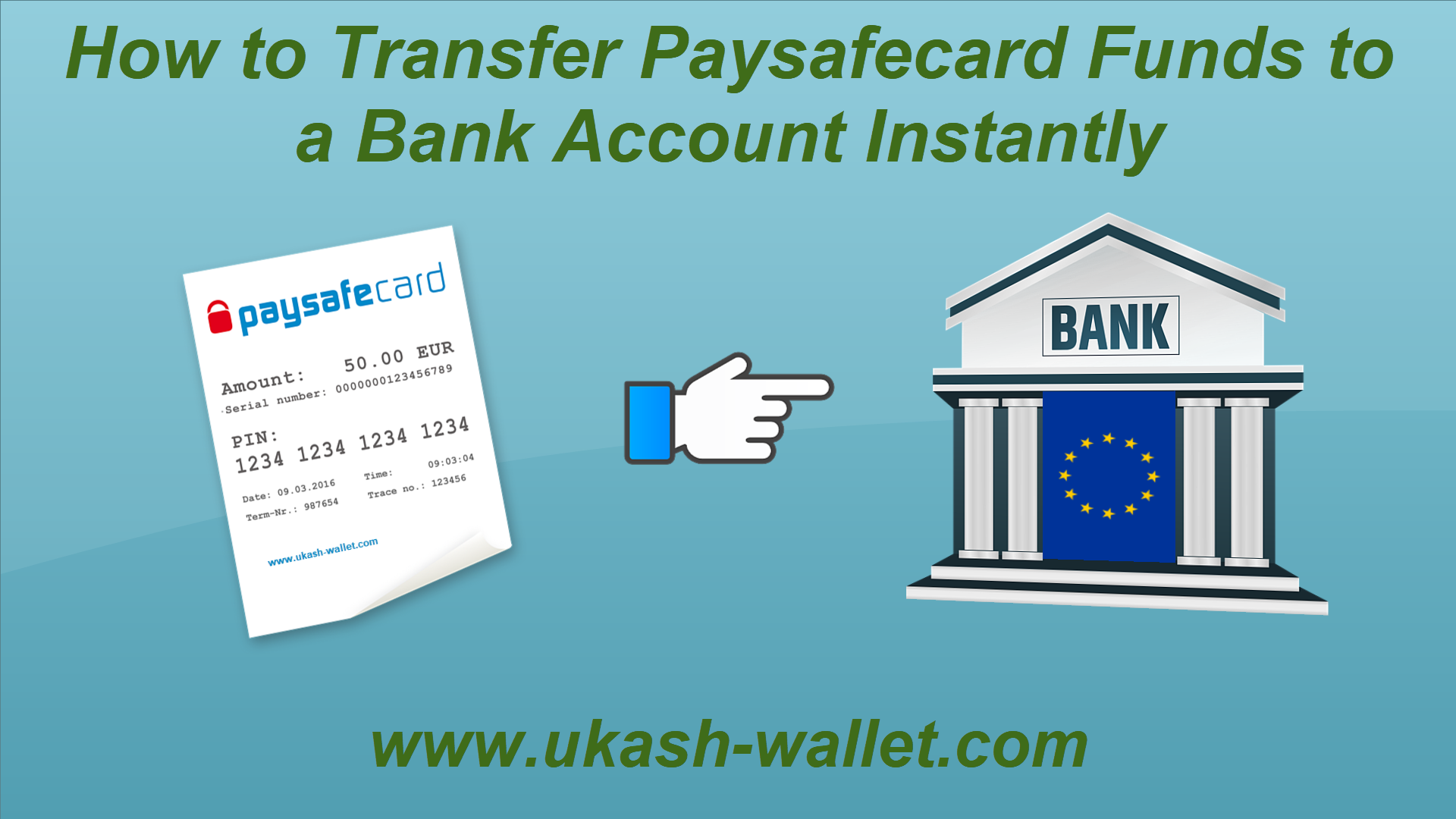
Want to move your Paysafecard balance directly to your bank account? This guide will show you how to instantly transfer Paysafecard funds into your bank safely, quickly, and without any technical skills. Whether you need cash or simply prefer traditional banking, this method is fast and beginner-friendly.
What is Paysafecard?
Paysafecard is a prepaid voucher system used for secure online payments. You don’t need a bank account or credit card — just a 16-digit PIN. It’s widely available and accepted in many countries.
Now, instead of spending it only online, you can convert Paysafecard into real money and have it deposited directly into your bank account.

Step-by-Step: Transfer Paysafecard Funds to a Bank Account Instantly
1. Enter Your Paysafecard Voucher Code
Type your 16-digit Paysafecard PIN code.
Example: 0123-4567-8901-23452. Enter the Voucher Amount
Input the exact amount printed on your Paysafecard voucher.
Minimum accepted values:
- 20 EUR / USD / GBP / CAD / AUD / CHF
- 100 in other local currencies (PLN, DKK, NOK, RON, TRY, etc.)
3. Select Your Voucher Currency
Choose the original currency of your Paysafecard voucher.
Supported: EUR, USD, GBP, AUD, CAD, CHF, PLN, CZK, RON, and more.
4. Select the Country of Issue
Pick the country where your Paysafecard was purchased.
Popular countries: Germany, UK, France, Spain, Poland, UAE, etc.
5. Choose “Bank Transfer” as Your Payout Method
Select Bank Transfer as your preferred payout option.
Bank transfers are available in the following currencies:
- GBP – British Pound
- EUR – Euro
- USD – US Dollar
- AUD – Australian Dollar
- AED – UAE Dirham
- BGN – Bulgarian Lev
- CAD – Canadian Dollar
- CHF – Swiss Franc
- CZK – Czech Koruna
- DKK – Danish Krone
- HRK – Croatian Kuna
- HUF – Hungarian Forint
- KWD – Kuwaiti Dinar
- NOK – Norwegian Krone
- NZD – New Zealand Dollar
- PLN – Polish Zloty
- RON – Romanian Leu
- SAR – Saudi Riyal
- SEK – Swedish Krona
- TRY – Turkish Lira
Make sure your bank supports transfers in the selected currency for fast and successful processing.
6. Enter Your Bank Account Details
Provide your full bank details as required for a successful transfer.
- IBAN: For SEPA (EU) transfers, provide your International Bank Account Number.
Example:DE89 3704 0044 0532 0130 00 - Account holder name: The full legal name of the person who owns the bank account.
Example:Max Mustermann - Bank name: The official name of your bank.
Example:Commerzbank AG
❗ Important: Double-check that your name and IBAN are entered exactly as registered with your bank. Mistakes may cause delays or failed transfers.
7. Enter Your Contact Email Address
Provide a working email address for communication and confirmation.
Your Paysafecard payment link will be delivered here.
8. Complete CAPTCHA Verification
Prove you're human by completing the CAPTCHA field.
9. Submit to Receive Your Payment Link
Click "Receive Payment Link" to proceed.
A secure Paysafecard payment link will be emailed to you. After completing the payment, your bank transfer will be processed instantly.
Why Transfer Paysafecard to a Bank Account?
- Cash out prepaid funds — get real money in your account.
- Use for bills or expenses — once in your bank, money is flexible.
- Safe and private — no card sharing, no logins needed.
- Fast processing — transfers happen instantly or within minutes.
Using this method, you can easily and instantly move Paysafecard funds to your bank account. No need for crypto wallets or complex exchanges — just a direct and secure payout to your personal bank.
Related Paysafecard Exchange Guides
You may also be interested in these related Paysafecard exchange and cash-out guides:
 How to Convert Paysafecard to PayPal
Convert Paysafecard to PayPal balance easily.
How to Convert Paysafecard to PayPal
Convert Paysafecard to PayPal balance easily.
 How to Convert Paysafecard to Skrill
Transfer Paysafecard to Skrill quickly.
How to Convert Paysafecard to Skrill
Transfer Paysafecard to Skrill quickly.
 How to Convert Paysafecard to Neteller
Move your Paysafecard balance to Neteller.
How to Convert Paysafecard to Neteller
Move your Paysafecard balance to Neteller.
 How to Convert Paysafecard to Payoneer
Send Paysafecard funds to Payoneer.
How to Convert Paysafecard to Payoneer
Send Paysafecard funds to Payoneer.
 How to Transfer Paysafecard to Wise
Transfer Paysafecard funds to your Wise account.
How to Transfer Paysafecard to Wise
Transfer Paysafecard funds to your Wise account.
 How to Convert Paysafecard to Revolut
Convert your Paysafecard balance to Revolut instantly.
How to Convert Paysafecard to Revolut
Convert your Paysafecard balance to Revolut instantly.
 How to Convert Paysafecard to Bitcoin (BTC)
Convert Paysafecard into Bitcoin easily.
How to Convert Paysafecard to Bitcoin (BTC)
Convert Paysafecard into Bitcoin easily.
 How to Buy Tether (USDT) with Paysafecard
Use Paysafecard to buy USDT quickly.
How to Buy Tether (USDT) with Paysafecard
Use Paysafecard to buy USDT quickly.
 How to Buy USD Coin (USDC) with Paysafecard
Get USDC quickly using Paysafecard.
How to Buy USD Coin (USDC) with Paysafecard
Get USDC quickly using Paysafecard.
 How to Convert Paysafecard to Ethereum (ETH)
Convert Paysafecard into ETH.
How to Convert Paysafecard to Ethereum (ETH)
Convert Paysafecard into ETH.
 How to Cash Out Paysafecard to Visa or Mastercard
Withdraw Paysafecard to your bank card.
How to Cash Out Paysafecard to Visa or Mastercard
Withdraw Paysafecard to your bank card.
 What Is a Paysafecard PIN Code?
Learn how Paysafecard works.
See All Paysafecard Exchange Guides
Browse all available Paysafecard exchange directions.
What Is a Paysafecard PIN Code?
Learn how Paysafecard works.
See All Paysafecard Exchange Guides
Browse all available Paysafecard exchange directions.
Currency Reserves
07 October 2026
 Payoneer GBP 5646.26 £ Payoneer EUR 19401.42 € Payoneer USD 16433.19 $
  Revolut GBP 15331.25 £ Revolut EUR 10969.51 € Revolut USD 9597.71 $
  Wise GBP 2482.04 £ Wise EUR 13720.60 € Wise USD 3820.20 $
  Webmoney WME 8607.42 € Webmoney WMZ 6638.96 $
  PayPal GBP 7198.80 £ PayPal EUR 18079.02 € PayPal USD 24974.80 $
  Cash App USD 11955.37 $
  Skrill EUR 15454.48 € Skrill USD 12414.34 $
  Ethereum 7.258 ETH
  Litecoin 53.412 LTC
  Bitcoin 0.474 BTC
  Dash 87.206 DASH
  Bitcoin Cash 62.474 BCH
  Solana 99.773 SOL
  Tether TRC-20 7659.42 USDT Tether ERC-20 12856.86 USDT Tether BEP-20 8154.97 USDT
  Dogecoin 33552.979 DOGE
  Tron 14250.670 TRX
  Toncoin 1991.206 TON
  Ripple 884.990 XRP
  Monero 24.598 XMR
  USD Coin ERC-20 11064.81 USDC USD Coin BEP-20 5147.52 USDC USD Coin SOL 1777.65 USDC USD Coin POL 4164.06 USDC
  TRUMP 1000.928 TRUMP
  Notcoin 4584331.58 NOT








Exchange Paysafecard, Bitcoin, Litecoin, Ethereum, Dash to PayPal, Revolut, Wise, Payoneer, Skrill, Bitcoin, Tether USDT instantly online.
Copyright © 2015-2026 All Rights Reserved.Instant Exchange Bitcoin | Litecoin | Ethereum | USDT | Paysafecard to PayPal, Revolut, Payoneer, Skrill, Tether USDT © 2026